
In today’s digital-first world, your Google Business Profile is often the first impression potential customers have of your brand. Whether you run a small bakery, a bustling retail store, or provide professional services, the images you showcase on your profile can make or break a customer’s decision to engage. High-quality, authentic photos not only help your business stand out but are also a critical component of Google Business Profile Optimization. With more consumers relying on search to discover businesses across the US, the right photography can set you apart from the competition and drive more traffic, calls, and visits. This guide dives deep into proven photography strategies that attract customers, boost engagement, and help your business shine online. Get ready to transform your business profile into a visual magnet that draws in new clients and builds lasting trust.
Google Business Profile Optimization for Stunning Photos
When it comes to Google Business Profile Optimization, nothing grabs attention faster than stunning, well-composed photos. The images you upload are often the first thing potential customers see when searching for your business, so it’s crucial to make a strong visual impact. Optimizing your profile with professional photography not only enhances your brand image but also increases the likelihood that searchers will choose your business over competitors. High-quality photos can lead to more clicks, calls, and visits, directly impacting your bottom line.
Start by ensuring your business profile features a variety of images that accurately represent your offerings. Include exterior shots, interior photos, product displays, and team pictures. Each photo should be clear, well-lit, and free from clutter. Use natural light whenever possible, and avoid heavy filters that can distort the true look of your business. Consistency is key, update your photos regularly to reflect seasonal changes, new products, or recent renovations.
Don’t underestimate the power of image resolution. Google recommends uploading photos that are at least 720 x 720 pixels. This ensures your images look sharp on all devices, from smartphones to desktops. Additionally, use descriptive file names and alt text for each photo to help Google understand the content, further boosting your profile’s SEO.
For more detailed Google Business Profile Optimization tips, explore resources that guide you through the process step by step. Remember, every image you add is an opportunity to showcase your business’s unique personality and value.
Photography That Drives Customer Engagement and Growth
The right photography doesn’t just make your Google Business Profile look good, it actively drives customer engagement and business growth. Eye-catching visuals can increase the time users spend on your profile, boost the number of actions taken (like calls or direction requests), and even improve your search rankings. When customers see authentic, high-quality images, they’re more likely to trust your business and take the next step.
To maximize engagement, showcase a mix of photos that tell your business’s story. Highlight your best-selling products, capture your team in action, and display your storefront in a welcoming light. User-generated content, such as customer photos and reviews, adds credibility and relatability. Encourage happy clients to upload their own images to your profile, as these can resonate strongly with potential customers.
Consistency in style and branding across your photos helps reinforce your identity. Use similar color palettes, angles, and lighting to create a cohesive look. This attention to detail signals professionalism and reliability, two qualities that customers value highly.
If you’re unsure where to start with business profile photography, consider hiring a professional or consulting with marketing experts who understand what works best for your industry. Investing in great visuals pays off by attracting more eyes and ultimately more customers to your business.
How to Take Photos That Make Your Google Business Profile Stand Out
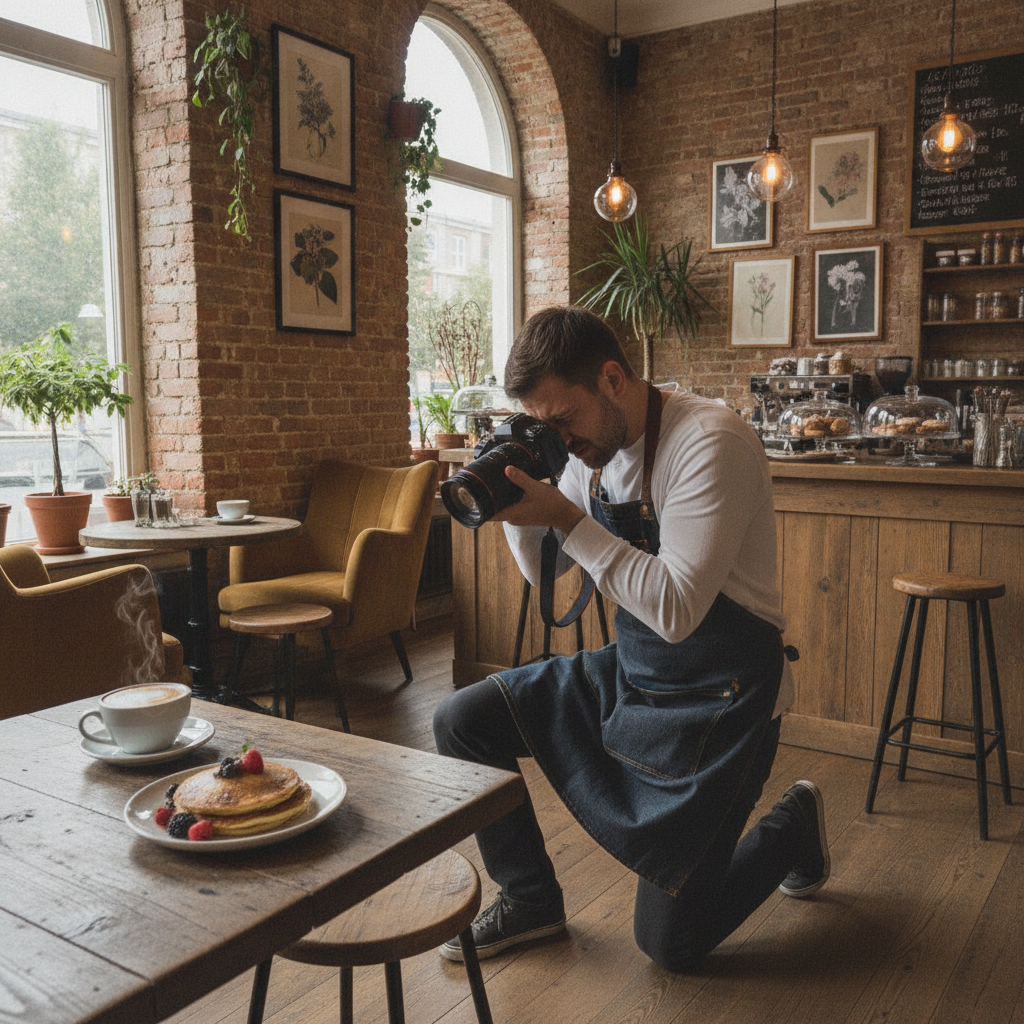
Wondering how to take photos that set your Google Business Profile apart from the competition? It’s easier than you might think, and you don’t always need expensive equipment. Start with a modern smartphone or a basic digital camera that can capture high-resolution images. Clean your lens before shooting to avoid blurry spots, and take multiple shots from different angles to find the most flattering perspective.
Lighting is one of the most important factors in business profile photography. Natural light is ideal, so try to shoot during the day when your space is well-lit. Avoid harsh shadows by positioning your subject near windows or using soft, diffused light sources. For interior shots, turn on all available lights and open curtains to brighten the space.
Composition matters, too. Follow the rule of thirds by placing key elements off-center to create a balanced and visually interesting photo. Remove any clutter or distractions from the background to keep the focus on your products or services. Show people interacting with your offerings, as this helps potential customers envision themselves as part of your business experience.
If you want to learn more about advanced techniques or editing tools, there are many resources available to help you refine your skills. Remember, the goal is to present your business in the best possible light and make a memorable impression on every visitor to your profile.
Types of Photos Every Google Business Profile Needs
A well-rounded Google Business Profile includes a variety of photo types that collectively tell your business’s story. Each type serves a unique purpose and appeals to different customer interests. Here are the essential categories to consider:
- Exterior Photos: Show your storefront or building from the street. This helps customers recognize your location when they visit.
- Interior Photos: Give a glimpse inside your space. Highlight clean, inviting, and well-organized areas.
- Product Photos: Feature your best-selling or signature products. Use close-ups to capture detail and quality.
- Team Photos: Introduce your staff to add a personal touch and build trust.
- Action Shots: Show your team at work or customers enjoying your services.
- Menu or Service Boards: For restaurants and service providers, include clear images of your menu or offerings.
- Special Event Photos: Highlight events, promotions, or seasonal displays to keep your profile fresh and engaging.
By regularly updating these photo types, you ensure your Google Business Profile remains dynamic and appealing. This variety also supports Google Business Profile Optimization by providing searchers with a comprehensive view of what your business offers.
Best Practices for Google Business Profile Photography
To maximize the impact of your photos, follow these best practices for Google Business Profile Optimization:
- Use High-Resolution Images: Upload photos that are at least 720 x 720 pixels for crisp, clear visuals.
- Keep Photos Current: Update your images regularly to reflect new products, renovations, or seasonal changes.
- Maintain Consistent Branding: Use similar colors, lighting, and composition to create a cohesive look.
- Showcase Authenticity: Avoid stock photos. Use real images of your business, team, and customers.
- Optimize File Names and Alt Text: Use descriptive, keyword-rich file names and alt text to improve SEO.
- Avoid Over-Editing: Keep edits natural. Overly filtered or heavily edited photos can appear inauthentic.
Implementing these best practices helps your business profile stand out in search results and provides customers with a trustworthy, appealing first impression.
How Google Uses Your Business Photos
Google’s algorithms analyze the photos on your business profile to determine relevance, quality, and engagement. High-quality images can improve your ranking in local search results, making your business more visible to potential customers. Google also uses your photos in various places, such as Maps, Search, and even in featured snippets or carousels.
Photos that accurately represent your business help Google match your profile with relevant searches. For example, if you run a bakery and upload mouth-watering images of your pastries, Google is more likely to show your profile to users searching for baked goods. Consistent, high-quality photos signal that your business is active and trustworthy, which can lead to higher click-through rates and more customer interactions.
Regularly updating your photos also signals to Google that your business is engaged and responsive. This can positively influence your profile’s visibility and attract more customers over time.
Common Photography Mistakes to Avoid
Even with the best intentions, some businesses make common photography mistakes that can hurt their Google Business Profile Optimization efforts. Avoid these pitfalls to ensure your profile always looks its best:
- Low-Quality Images: Blurry, pixelated, or poorly lit photos can make your business appear unprofessional.
- Outdated Photos: Images that no longer reflect your current offerings or appearance can confuse customers.
- Stock Photos: Generic images don’t build trust. Use real photos of your business and team.
- Cluttered Backgrounds: Distracting elements in the background take focus away from your products or services.
- Over-Editing: Excessive filters or edits can make photos look unnatural and untrustworthy.
By steering clear of these mistakes, you can maintain a professional and inviting profile that attracts more customers and supports your overall Google Business Profile Optimization strategy.
Table: Photo Types and Their Impact on Google Business Profile Optimization
| Photo Type | Purpose | Impact on Optimization |
|---|---|---|
| Exterior | Helps customers recognize your location | Improves visibility and trust |
| Interior | Showcases ambiance and cleanliness | Encourages visits |
| Product | Highlights top offerings | Drives sales and interest |
| Team | Builds trust and connection | Humanizes your brand |
| Action | Shows services in use | Demonstrates value |
| Menu/Service Board | Displays offerings clearly | Informs customers |
| Special Event | Highlights promotions or events | Keeps profile fresh |
This table summarizes the main photo types and their unique benefits for Google Business Profile Optimization. Use it as a checklist to ensure your profile is comprehensive and appealing.
Editing and Enhancing Your Business Photos
Editing your photos can help them stand out, but moderation is key. Start by cropping images to remove unnecessary background and focus on the subject. Adjust brightness, contrast, and sharpness to ensure clarity, but avoid making the photo look unnatural. Many free and paid editing tools are available, including apps like Snapseed, Lightroom, and Canva, which offer easy-to-use features for business owners.
When enhancing photos for Google Business Profile Optimization, maintain authenticity. Overly edited images can appear misleading and may deter customers. Stick to adjustments that improve visibility and highlight your products or space as they truly are. Add your logo subtly if desired, but avoid watermarks or text overlays that distract from the main image.
Before uploading, preview your photos on different devices to ensure they look great everywhere. Consistent, high-quality visuals help reinforce your brand and attract more customers to your business profile.
Encouraging Customers to Share Their Photos
User-generated content is a powerful tool for Google Business Profile Optimization. When customers share their own photos on your profile, it adds authenticity and social proof that can influence others to choose your business. Encourage customers to upload images by creating incentives, such as contests or discounts for sharing their experience. Display signage in your store or include a call-to-action on receipts and emails inviting customers to post their photos.
Monitor new uploads regularly and engage with customers by responding to their posts or thanking them for their contributions. Highlight the best customer photos on your profile to showcase real experiences and build community around your brand.
Remember, a dynamic profile with diverse, authentic images can significantly enhance your Google Business Profile Optimization efforts and attract even more customers to your business.
Final Thoughts
Mastering Google Business Profile Optimization through strategic photography is one of the most effective ways to attract and convert customers in today’s competitive digital landscape. By investing in high-quality, authentic images and regularly updating your profile, you not only enhance your business’s credibility but also create a compelling visual story that resonates with potential clients. Remember to showcase a variety of photo types, avoid common mistakes, and encourage customer participation for a dynamic, engaging profile. With these tips, your business can stand out across the US, build trust, and drive real growth. Start capturing and sharing your unique story today, your next customer could be just a photo away.