
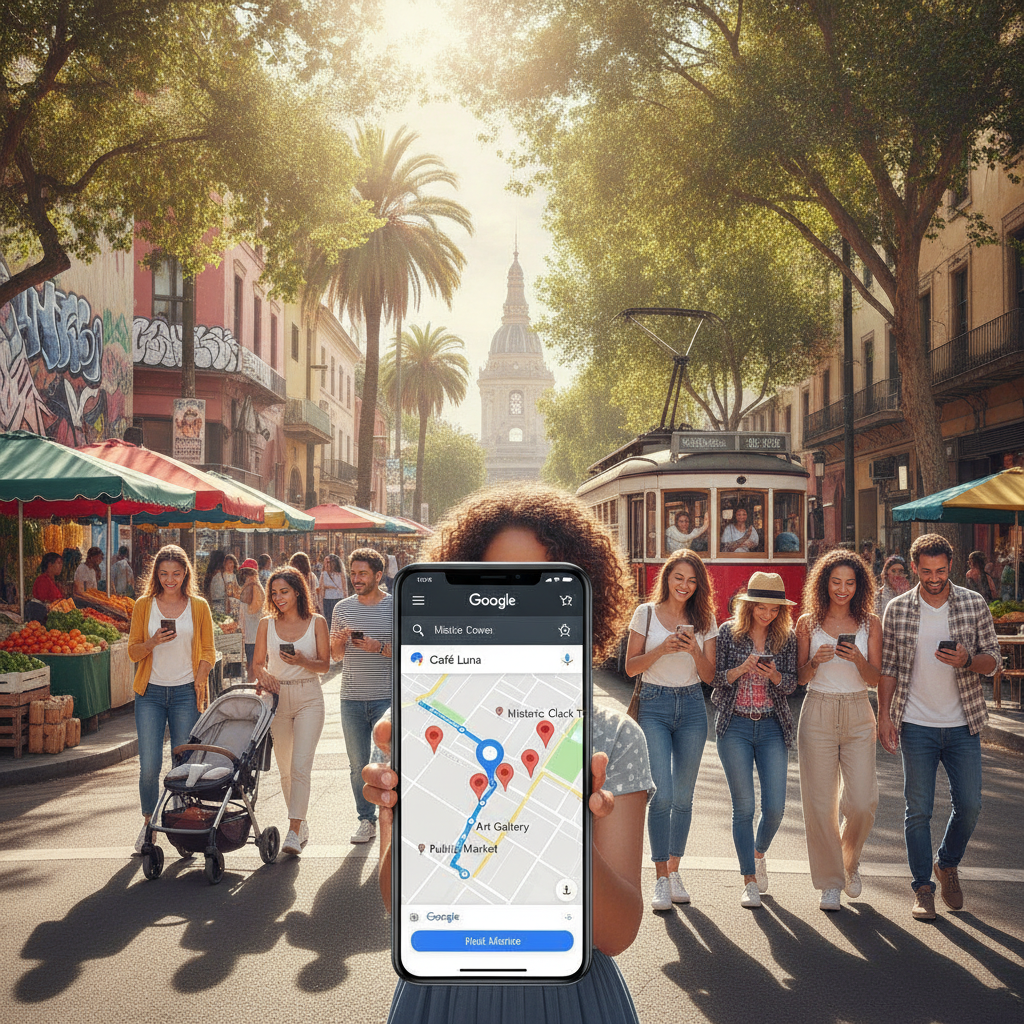
In today’s digitally driven marketplace, small businesses across the United States face the ongoing challenge of standing out and attracting more customers. With so many consumers relying on online searches to find products and services, leveraging digital tools is no longer optional, it’s essential. One of the most powerful resources at your disposal is Google Maps, a platform that influences millions of purchase decisions every day. By optimizing your presence and understanding how Google Maps Rankings work, you can dramatically increase your business’s visibility and drive more foot traffic to your physical location. Whether you’re a seasoned entrepreneur, a developer managing multiple listings, or just starting out, this guide will walk you through actionable strategies to harness Google Maps for real-world results. From optimizing your profile to engaging with reviews and utilizing advanced features, you’ll discover how to turn online searches into in-store visits and create a sustainable flow of new customers. Let’s dive into the practical steps and proven techniques that can elevate your business above the competition and put you on the map, literally and figuratively.
Mastering Google Maps Rankings
Google Maps Rankings are a critical factor in how businesses are discovered by potential customers searching for services or products. When someone searches for a business type or service, Google Maps displays a list of relevant businesses, often prioritizing those with the best optimization and engagement. Understanding how Google Maps Rankings work is the first step to increasing your visibility and driving more foot traffic to your business. The ranking algorithm considers several factors, including relevance, distance, and prominence. While you can’t control a searcher’s location, you can influence how relevant and prominent your business appears in search results.
To start, ensure your Google Business Profile is complete and accurate. Fill out every field, including business name, address, phone number, category, hours of operation, and a detailed business description. Use high-quality photos to showcase your storefront, products, and services. Consistency across all online listings is crucial, mismatched information can hurt your rankings. Encourage satisfied customers to leave positive reviews, as these play a significant role in your prominence on Google Maps. Respond to reviews promptly and professionally to show that you value customer feedback.
Another key aspect is leveraging relevant keywords in your business description and posts. For example, if you want to improve your Google Maps Rankings, include this phrase naturally within your profile and content updates. Regularly update your profile with posts about promotions, events, or new offerings to keep your listing active and engaging. By mastering these foundational elements, you set the stage for higher rankings and increased foot traffic to your business.
Boost Foot Traffic with Google Maps Optimization
Optimizing your Google Maps profile goes beyond just filling in the basics. It’s about actively managing your online presence to convert digital searches into real-world visits. The benefit is clear: a well-optimized Google Maps listing can significantly boost foot traffic, leading to more sales and stronger brand recognition. One of the most effective ways to achieve this is by regularly updating your business information. Changes in hours, new services, or special offers should be promptly reflected on your profile to ensure customers always have accurate information.
Photos and videos play a powerful role in attracting attention. Businesses with high-quality, recent images are more likely to be clicked on and visited. Consider uploading photos that showcase your storefront, interior, staff, and products. Google even allows short videos, which can be used to highlight unique aspects of your business or share customer testimonials. Another optimization strategy is to utilize Google Posts, a feature that lets you share updates, offers, and events directly on your listing. These posts appear in your business profile and can entice users to visit your location.
Engagement is also key. Respond to questions in the Q&A section and interact with reviews, both positive and negative. This demonstrates your commitment to customer service and can influence potential customers’ decisions. For those looking to take their optimization efforts further, learn more about advanced digital marketing strategies that can amplify your results. By consistently optimizing your Google Maps presence, you create more opportunities for customers to find and choose your business over competitors.
How to Get Your Business Noticed on Google Maps
Getting your business noticed on Google Maps requires a combination of strategic actions and ongoing management. Start by claiming and verifying your Google Business Profile, which is essential for controlling the information displayed about your business. Once verified, focus on optimizing every aspect of your profile. Use a clear and concise business name that matches your signage and branding. Select the most relevant primary and secondary categories to ensure your business appears in the right searches.
Craft a compelling business description that incorporates your focus keyword, “Google Maps Rankings,” several times throughout the text. Highlight what sets your business apart and why customers should choose you. Add attributes such as wheelchair accessibility, outdoor seating, or payment options to provide more information to potential visitors. Upload high-resolution images and encourage your team to contribute photos regularly to keep your profile fresh and engaging.
Monitor your listing for user-generated content, such as photos or questions, and address them promptly. Use the Google My Business app to manage your profile on the go and respond to customer interactions in real time. By taking these proactive steps, you increase your chances of appearing in the coveted top spots on Google Maps, driving more attention and foot traffic to your business.
The Role of Reviews in Google Maps Rankings
Customer reviews are a powerful influence on Google Maps Rankings and can make or break a business’s reputation. Positive reviews not only enhance your credibility but also signal to Google that your business is trustworthy and relevant. Encourage your satisfied customers to leave detailed reviews by making the process as simple as possible. You can send follow-up emails, display signage in your store, or provide QR codes that link directly to your review page.
Responding to reviews is equally important. Thank customers for their feedback, address any concerns, and demonstrate your commitment to excellent service. Even negative reviews present an opportunity to showcase your professionalism and willingness to resolve issues. Google values active engagement, and businesses that consistently interact with reviewers tend to rank higher on Maps.
It’s also important to monitor your reviews for patterns. If multiple customers mention the same issue, take steps to address it and update your business operations accordingly. Remember, reviews are not just for show, they provide valuable insights into your customers’ experiences and expectations. By prioritizing reviews as part of your Google Maps strategy, you can improve your rankings and attract more customers to your business.
Optimizing Your Google Business Profile
Your Google Business Profile is the foundation of your Maps presence and directly impacts your Google Maps Rankings. To optimize your profile, start by ensuring all information is accurate and up to date. This includes your business name, address, phone number, website, hours, and categories. Inconsistencies can confuse both customers and Google’s algorithm, potentially lowering your rankings.
Use the business description to highlight your unique selling points and incorporate the focus keyword, “Google Maps Rankings,” naturally. Add photos that showcase your business’s personality and professionalism. Google allows you to upload images of your logo, cover photo, interior, exterior, products, and team members. The more comprehensive your photo gallery, the more likely customers are to engage with your listing.
Take advantage of additional features such as booking buttons, messaging, and Q&A. These tools make it easier for customers to interact with your business and can set you apart from competitors. Regularly review your profile for outdated information and make updates as needed. By maintaining a robust and engaging Google Business Profile, you lay the groundwork for improved visibility and increased foot traffic.
Advanced Strategies for Google Maps Rankings
Once you’ve mastered the basics, it’s time to explore advanced strategies for boosting your Google Maps Rankings. One effective tactic is to build local citations, mentions of your business name, address, and phone number on other reputable websites and directories. Consistent citations reinforce your business’s legitimacy in Google’s eyes and can improve your rankings.
Another strategy is to earn high-quality backlinks from industry-related websites, blogs, or news outlets. These links signal authority and trustworthiness, both of which are valued by Google’s algorithm. You can also use schema markup on your website to provide search engines with structured data about your business, such as hours, location, and services offered.
For businesses with multiple locations, create individual Google Business Profiles for each site and optimize them separately. This ensures that each location appears in relevant searches and can attract its own customer base. Finally, monitor your Google Maps insights to track performance and identify areas for improvement. By implementing these advanced techniques, you can stay ahead of the competition and maintain strong Google Maps Rankings.
Table: Key Factors Influencing Google Maps Rankings
| Factor | Description | Impact on Rankings |
|---|---|---|
| Business Profile Completeness | Accurate and detailed information across all fields | High |
| Customer Reviews | Quantity, quality, and recency of reviews | High |
| Photos & Videos | Regularly updated, high-quality images and videos | Medium |
| Keyword Optimization | Use of relevant keywords in descriptions and posts | Medium |
| Citations & Backlinks | Mentions and links from reputable sources | Medium |
| Profile Activity | Frequency of updates and engagement | Medium |
Turning Online Searches into In-Store Visits
The ultimate goal of optimizing your Google Maps Rankings is to convert online interest into physical foot traffic. To achieve this, focus on providing a seamless experience from the moment a customer discovers your business online to the moment they walk through your door. Ensure your contact information is correct and that your location is easy to find with clear directions and signage.
Use Google Posts to promote special offers, events, or seasonal promotions that encourage customers to visit in person. Highlight unique aspects of your business, such as exclusive products, loyalty programs, or exceptional customer service. Respond to inquiries quickly and provide helpful information to remove any barriers to visiting your location.
Track your results using Google Maps insights, which provide data on how customers find your listing, what actions they take, and how often they request directions. Use this information to refine your strategies and continuously improve your conversion rate from online searches to in-store visits.
Mobile Optimization for Google Maps Success
With the majority of searches now happening on mobile devices, optimizing your Google Maps presence for mobile users is essential. Start by ensuring your website is mobile-friendly, as users may visit your site directly from your Maps listing. Fast load times, easy navigation, and clear calls to action are crucial for keeping potential customers engaged.
Make sure your Google Business Profile displays correctly on mobile, with all key information easily accessible. Use concise descriptions and avoid clutter that can make your listing difficult to read on smaller screens. Encourage mobile users to take action by enabling features like click-to-call, messaging, and booking directly from your profile.
Monitor your mobile performance using Google Analytics and Maps insights. Pay attention to how users interact with your listing on mobile devices and make adjustments as needed. By prioritizing mobile optimization, you can capture a larger share of on-the-go customers and drive more foot traffic to your business.
Tracking and Measuring Google Maps Rankings
Measuring the effectiveness of your Google Maps Rankings strategy is essential for ongoing improvement. Google provides a range of insights and analytics tools to help you track your performance. Key metrics to monitor include the number of views your listing receives, how often users request directions, and the volume of calls and website visits generated from your profile.
Set up goals in Google Analytics to track conversions from your Maps listing, such as completed bookings, form submissions, or purchases. Regularly review your performance data to identify trends and opportunities for optimization. For example, if you notice a spike in direction requests after posting a special offer, consider running similar promotions in the future.
Use third-party tools to monitor your rankings for specific keywords, including “Google Maps Rankings,” and compare your performance to competitors. By staying informed and proactive, you can make data-driven decisions that enhance your visibility and drive sustained growth for your business.
Your Next Steps
Leveraging Google Maps for increased foot traffic is a dynamic and ongoing process. By focusing on Google Maps Rankings, optimizing your business profile, engaging with customers, and tracking your results, you can build a strong online presence that translates into real-world success. Remember, consistency and attention to detail are key, regularly update your information, encourage reviews, and stay active on your profile to maintain your competitive edge.
As you implement these strategies, monitor your progress and be willing to adapt based on what works best for your business. The digital landscape is constantly evolving, and staying informed about new features and best practices will help you stay ahead. With dedication and the right approach, your business can achieve higher Google Maps Rankings and enjoy a steady stream of new customers walking through your doors. Start today and put your business on the map for lasting growth and visibility.