
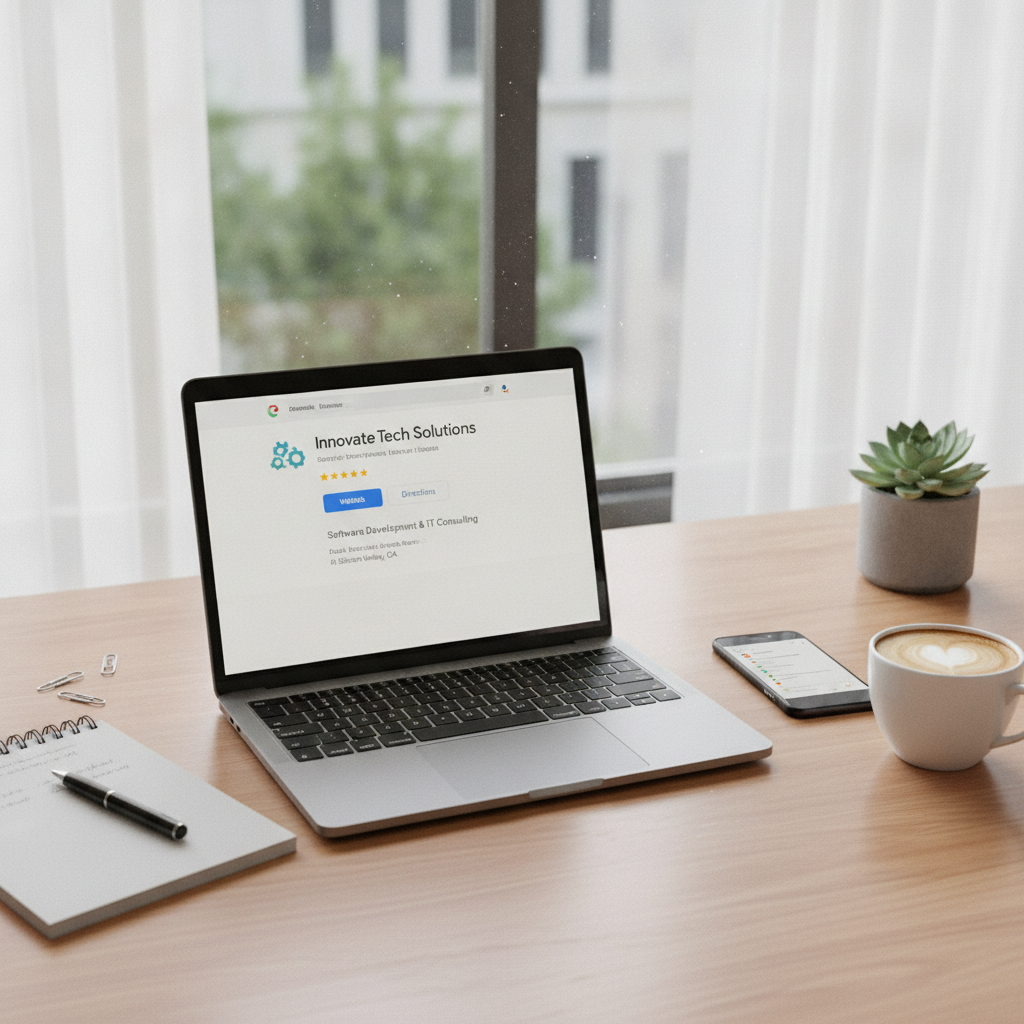
If you run a business in today’s digital-first world, your online presence is as important as your storefront. For many customers, their first interaction with your brand happens on Google. That’s why understanding Google Business Profile Optimization is essential for business owners, developers, and anyone aiming to make their company stand out online. Whether you’re new to digital marketing or looking to sharpen your strategy, learning the basics of Google Business Profile can help you attract more customers, build trust, and grow your reputation. In this guide, we’ll break down everything you need to know to get started, from setting up your profile to maximizing its impact. Let’s dive in and discover how you can use this powerful tool to boost your business’s online visibility and drive real results.
Google Business Profile Optimization Essentials
Google Business Profile Optimization is the process of fine-tuning your business’s presence on Google to ensure maximum visibility and engagement. By optimizing your profile, you can increase your chances of appearing in relevant search results and Google Maps, which is where most customers start their search for products or services. A well-optimized profile includes accurate business information, compelling photos, up-to-date hours, and prompt responses to reviews. The goal is to make your business as attractive and accessible as possible for potential customers. When you invest time in Google Business Profile Optimization, you’re not just improving your online listing, you’re enhancing your brand’s credibility and reach. For those looking to take their business visibility to the next level, mastering these essentials is a smart move. For related information, see business visibility.
Boosting Sales and Trust with Google Business Profile Optimization
A strong Google Business Profile Optimization strategy can directly impact your bottom line. When your profile is complete and engaging, customers are more likely to choose your business over competitors. High-quality photos, detailed service descriptions, and regular updates signal to customers that your business is active and trustworthy. Responding to reviews, both positive and negative, shows that you care about customer experience and are committed to improvement. These efforts not only boost your reputation but can also increase conversion rates. Businesses that prioritize Google Business Profile Optimization often see higher click-through rates, more calls, and greater foot traffic. If you want expert guidance on making the most of your profile, consider consulting with AJ Gabriele Marketing for tailored strategies that drive results. For related information, see AJ Gabriele Marketing.
How to Set Up and Manage Your Google Business Profile
Setting up your Google Business Profile is straightforward but requires attention to detail. Start by visiting the Google Business Profile website and claiming your business. Enter accurate information, including your business name, address, phone number, website, and business category. Verification is crucial, Google may send a postcard or use other methods to confirm your ownership. Once verified, you can add business hours, photos, and a detailed description. Regularly update your profile with new images, posts, and changes to your services or hours. Managing your profile means monitoring reviews, responding promptly, and using insights to understand customer behavior. By actively maintaining your profile, you ensure that your business stays relevant and appealing to customers searching for your services. Google Business Profile Optimization is an ongoing process, so schedule regular check-ins to keep your information fresh and engaging.
Why Google Business Profile Matters for Every Business
No matter your industry or business size, having a Google Business Profile is essential. It’s often the first impression potential customers get when searching for your services or products. A complete and optimized profile helps you stand out in search results, increasing the likelihood that customers will choose your business over others. Google Business Profile Optimization ensures that your information is accurate and appealing, which builds trust and credibility. Businesses with robust profiles are more likely to be featured in the coveted Google Map Pack, driving more traffic and inquiries. Even if you don’t have a physical storefront, your profile can highlight online services, customer reviews, and unique selling points. In a competitive market, leveraging Google Business Profile Optimization is a simple yet powerful way to attract and retain customers across the US.
Key Features of Google Business Profile
Google Business Profile offers a range of features designed to help businesses connect with customers. These include the ability to post updates, share photos, list products and services, and respond to reviews. The Q&A section allows customers to ask questions directly, while messaging lets you communicate in real time. Insights provide valuable data on how customers find your profile and what actions they take, such as visiting your website or calling your business. The booking feature can integrate with scheduling tools, making it easier for customers to book appointments. Utilizing these features as part of your Google Business Profile Optimization strategy ensures you’re making the most of your profile. Regularly updating and engaging with these tools keeps your business top of mind and encourages customer interaction.
Optimizing Your Profile: Step-by-Step Guide
Effective Google Business Profile Optimization involves a series of actionable steps. First, ensure that all business information is accurate and consistent with your website and other online listings. Next, upload high-quality images that showcase your products, services, and team. Write a compelling business description using relevant keywords, but keep it authentic and customer-focused. Regularly post updates about promotions, events, or new offerings to keep your profile active. Encourage satisfied customers to leave reviews and always respond to feedback in a professional manner. Utilize the Q&A and messaging features to answer customer questions promptly. Finally, review your profile insights to identify opportunities for improvement. By following these steps, you can maintain a strong, engaging presence that supports your overall marketing goals.
Common Mistakes to Avoid in Google Business Profile Optimization
Even with the best intentions, businesses can make mistakes that undermine their Google Business Profile Optimization efforts. One common error is inconsistent or outdated information, which can confuse customers and hurt your credibility. Neglecting to update business hours, contact details, or services can lead to missed opportunities. Failing to respond to reviews, especially negative ones, may give the impression that you don’t value customer feedback. Using low-quality or irrelevant photos can detract from your profile’s appeal. Ignoring the insights and analytics provided by Google means missing out on valuable data that could inform your strategy. Avoid keyword stuffing in your business description, as this can come across as spammy and reduce trust. By being aware of these pitfalls, you can maintain a polished and effective profile that attracts and retains customers.
The Role of Reviews in Google Business Profile Optimization
Reviews are a cornerstone of Google Business Profile Optimization. Positive reviews build trust and can influence potential customers to choose your business. Encourage satisfied customers to leave honest feedback by making the process simple and thanking them for their support. Responding to reviews, both positive and negative, shows that you value customer input and are committed to improvement. Address negative reviews professionally, offering solutions or apologies as appropriate. Consistent engagement with reviews can improve your search ranking and increase your visibility. Reviews also provide insights into what your business is doing well and where there is room for growth. By making reviews a central part of your optimization strategy, you enhance your reputation and foster long-term customer loyalty.
Using Insights and Analytics for Better Optimization
Google Business Profile provides valuable insights and analytics that can inform your optimization strategy. These tools show how customers find your profile, what actions they take, and which features they engage with most. You can track metrics such as profile views, website clicks, direction requests, and phone calls. Analyzing this data helps you understand your audience and identify trends. For example, if you notice a spike in calls after posting a promotion, you can tailor future updates accordingly. Insights also highlight areas where your profile may need improvement, such as low photo engagement or incomplete information. By regularly reviewing and acting on these analytics, you can fine-tune your Google Business Profile Optimization efforts and achieve better results.
Comparing Google Business Profile with Other Platforms
While Google Business Profile is a powerful tool, it’s important to understand how it compares to other online platforms. Unlike social media profiles or third-party directories, Google Business Profile directly influences how your business appears in Google Search and Maps, the most widely used search tools in the world. Other platforms, such as Yelp or Facebook, can complement your online presence but may not have the same reach or impact on search visibility. The table below highlights key differences between Google Business Profile and other popular platforms, helping you prioritize your optimization efforts for maximum benefit.
| Feature | Google Business Profile | Yelp | |
|---|---|---|---|
| Search Visibility | High (Google Search & Maps) | Moderate | Moderate |
| Customer Reviews | Yes | Yes | Yes |
| Direct Messaging | Yes | No | Yes |
| Booking Integration | Yes | Limited | Yes |
| Insights & Analytics | Comprehensive | Basic | Moderate |
Advanced Tips for Google Business Profile Optimization
Once you’ve mastered the basics, there are advanced strategies to further enhance your Google Business Profile Optimization. Use Google Posts to share timely updates, events, or special offers that appear directly in your profile. Add attributes that highlight specific features, such as wheelchair accessibility or online appointments. Experiment with short videos to showcase your team or products. Utilize the booking integration to streamline appointment scheduling for customers. Regularly audit your profile for outdated information or broken links. Monitor competitor profiles to identify opportunities for differentiation. Finally, consider using third-party tools to schedule posts, track analytics, and manage multiple locations. By implementing these advanced tips, you can stay ahead of the competition and maximize the value of your Google Business Profile.
Bringing It Together
Mastering Google Business Profile Optimization is a game-changer for any business looking to enhance its online presence and attract more customers. By understanding the basics, leveraging key features, and avoiding common mistakes, you can create a profile that truly represents your brand and builds trust with your audience. Regular updates, active engagement with reviews, and thoughtful use of analytics ensure your profile remains effective and relevant. Remember, Google Business Profile Optimization is not a one-time task but an ongoing process that evolves with your business. Stay proactive, keep learning, and your efforts will pay off with increased visibility, stronger customer relationships, and measurable business growth. Take the next step today and make your Google Business Profile a cornerstone of your digital marketing strategy.